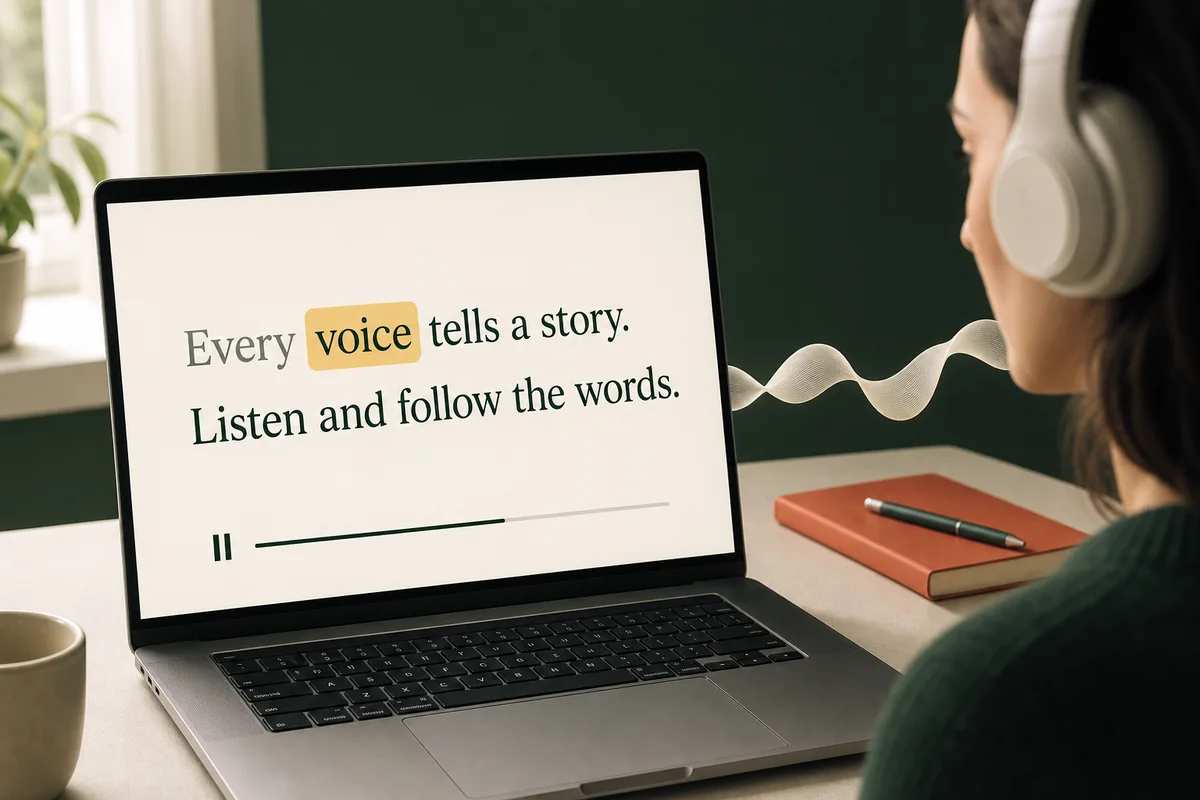
Hear each word. See it light up.
Words highlight as the audio plays. Tap a word to hear it again.
 Sonelune
 Your text. Your audio library.
Paste an article, story, or note, choose a voice, and keep it in your own audio library. Listen whenever you like, with word-level synced captions when you want to follow the text.
Listen and follow along
Words highlight as the audio plays. Tap a word to hear it again.
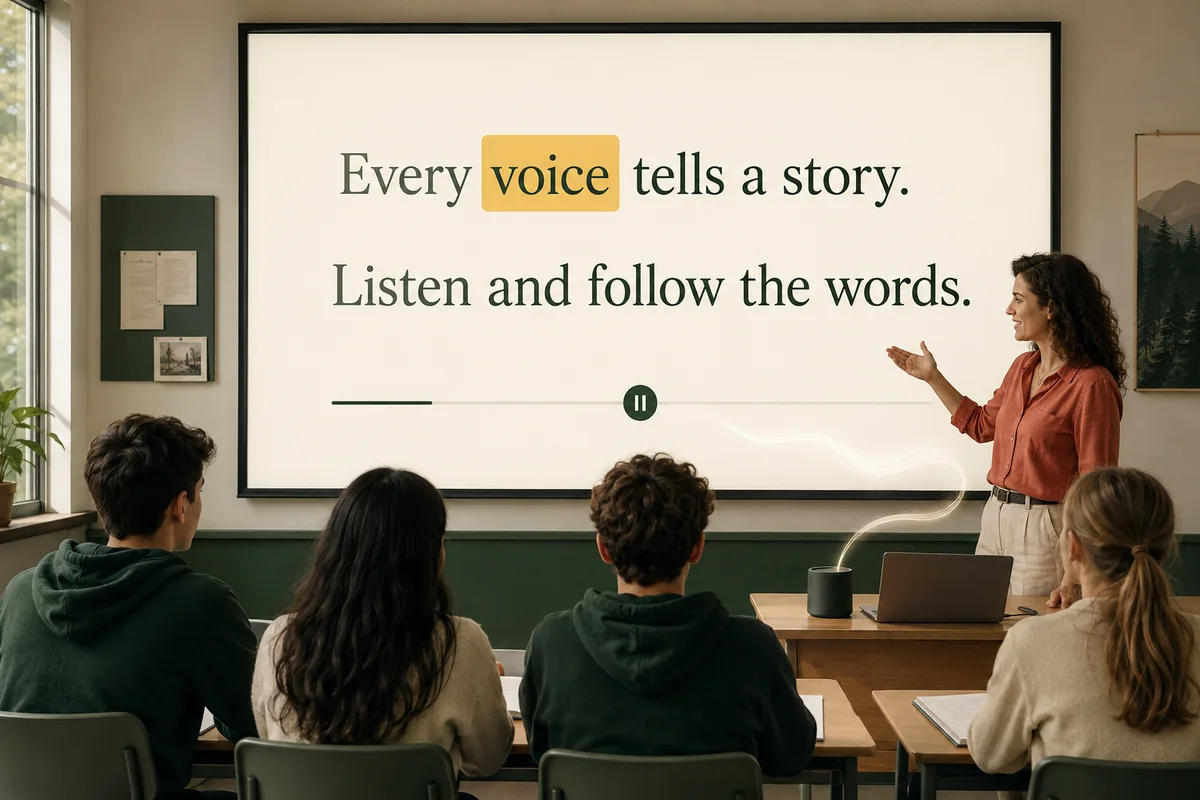
Bring your language materials to a shared screen using a computer display or phone screen mirroring. Students follow the words as they listen.
Articles, stories, language materials and notes. Bring your own words into everyday moments.

Take an interesting article along on a walk or workout.

Put the screen aside and listen to something you enjoy. On iPhone, a sleep timer stops playback for you.

Choose short language passages and stories to revisit with your child.

Turn reports and study notes into audio for the commute.
Sleep timer and repeat are part of the Sonelune app for iPhone: let a story stop on its own, or loop a passage until it sticks. Get the iPhone app
Make it yours
A short path from the page in front of you to a personal audio track in your library.
Add the words you want to hear. A title is created automatically, so there is less to fill in.
Pick a language and a voice that fits the material, then generate your audio.
Your audio and original text stay together. Just listen, or follow the synced captions and tap a word to jump to that point.